


Several rewards, one card
Like a free tea at 5 stamps and a free coffee at 10.
Customers show one Bentorno code, your staff scan it, and the stamps go on their card. Regulars come back sooner, with nothing to install.

The same stamp card, on their phone: never left at home, worn out or lost, and every stamp kept.
Paper, an app or a card on the phone: compare them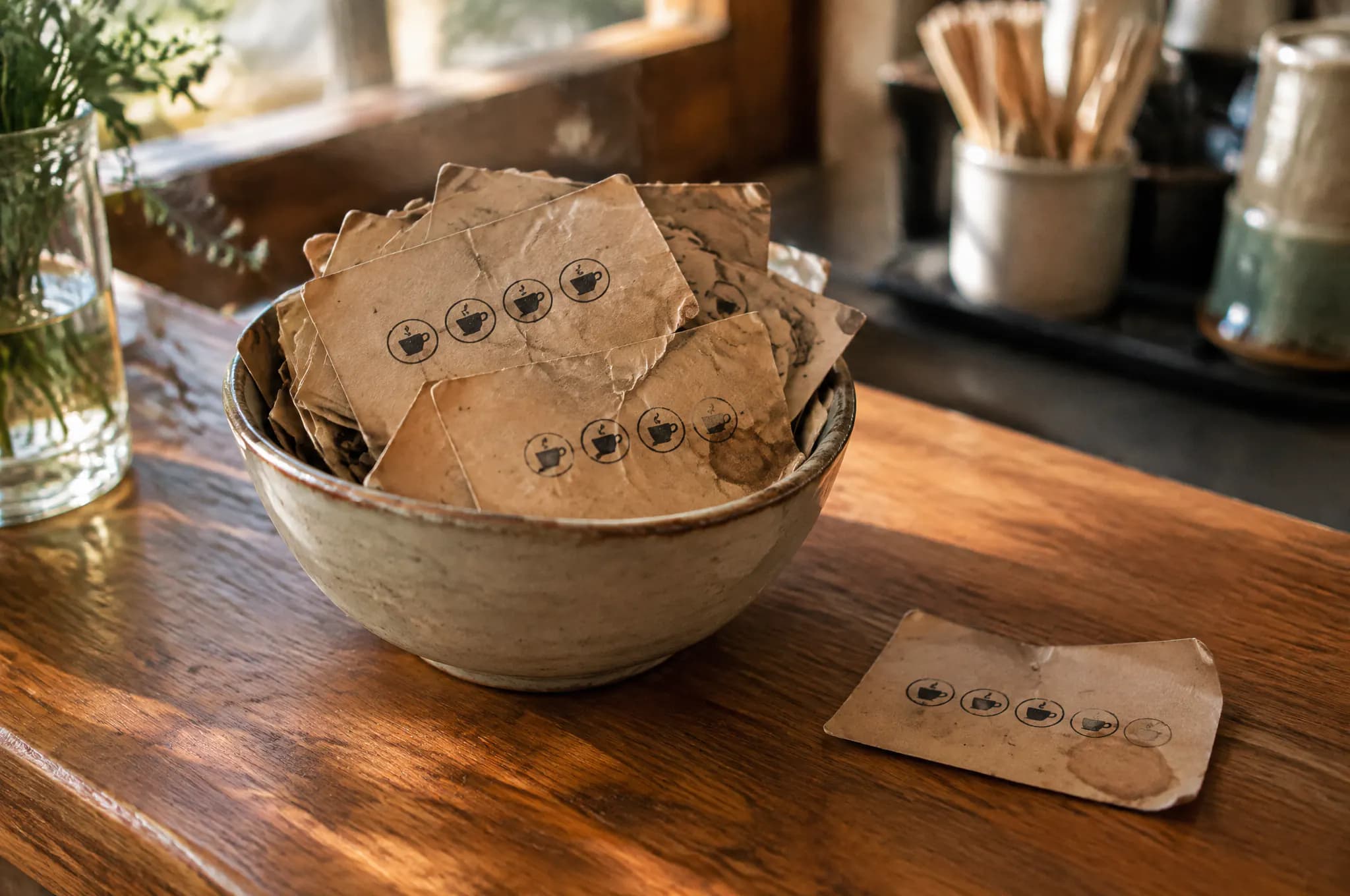
A worn paper stamp card and the same card in the app, each with four stamps, one over the other: drag the line to see more of either.
Each press is a stamp your staff add at the counter. A reward is ready at the count you choose.
Lale
Coffee card
1 stamp for each coffee
3 of 10
2 more stamps for a free tea.
One card, and a few simple jobs on each side of the counter.

Free for them, with nothing to install. See their side
Each customer carries one Bentorno code on their phone, the same at your venues and at every other business on Bentorno.
Staff point any phone or tablet at the customer’s code: their card opens, and the visit’s stamps land on it.
Type a customer’s code to open their card, then add the visit’s stamps.
Codes to try
Scanner
ModaIt’s shown under the QR code in the customer’s Bentorno app.
Elif Aydın
Lale
Coffee card
Add stamps
+2 stamps
Nothing to install: the card opens in their browser.
Lale
Moda
Free tea in 2 more stamps
Coffee card
Free tea at 5 stamps
3 of 5 stamps
Rewards
Elif Aydın’s card is open.
Ayşe Yılmaz comes in on Thursday at 3:40 pm for 3 coffees: her first visit, on her birthday. Switch a rule to see what the scanner adds.
Rules of the sample card
Scanner
ModaAyşe Yılmaz
Lale
Coffee card
+8 stamps
Ayşe Yılmaz’s card after the visit: 8 of 10 stamps. Free tea is ready to redeem.
Change them any time: stamps already given stay, and your printed sign keeps working.
Like a free tea at 5 stamps and a free coffee at 10.
Per visit, per order, per product or per amount spent.
A daily maximum, a wait between visits, a minimum spend.
Double or triple stamps at the hours you pick.
At sign-up or at the first visit.
Stamps on the day itself.
Each stamp keeps the date it was earned.
Pick your kind of business, and your card starts with the rules that suit it.

Each coffee is counted by its name, so two coffees earn two stamps. A free coffee waits at 10, and a cheaper reward can join it on the same card.
Add stamps
2 coffees at the counter
+2 stamps
Coffee card
Free coffee at 10 stamps
2 of 10 stamps
One stamp for each order of 5 or more, so smaller orders earn none.
Add stamps
An order of 7
+1 stamp
Bakery card
Free pastry at 8 stamps
1 of 8 stamps
A stamp for each haircut, doubled on Tuesdays and Wednesdays from 9 am to 7 pm, to fill the quiet days.
Add stamps
A haircut on a Tuesday
+2 stamps
Barber card
Free haircut at 6 stamps
2 of 6 stamps
Stamps follow the bill, doubled at lunch on weekdays from 12 pm to 2:30 pm.
Add stamps
A lunch bill of 24 on a weekday
+48 stamps
Dining card
Free dessert at 500 stamps
48 of 500 stamps
Stamps follow what each visit costs, so the card counts in the thousands.
Add stamps
A visit costing 85
+85 stamps
Salon card
85 of 2,000 stamps
Free hair treatment at 2,000 stamps
A stamp for each wash, 1 a day at most, so the card fills visit by visit.
Add stamps
2 washes on one day
+1 stamp
Car wash card
Free wash at 5 stamps
1 of 5 stamps
A stamp for each visit, whatever the workout.
Add stamps
A visit, any workout
+1 stamp
Fitness card
Free class at 10 stamps
1 of 10 stamps
A stamp for each night, however long the stay.
Add stamps
A stay of 3 nights
+3 stamps
Stay card
Free night at 10 stamps
3 of 10 stamps
Not on the list? Every earn rule works for every kind of business.
In your dashboard, start from the rules for your kind of business, then change any reward, extra or limit whenever you like.
Already have an account? Sign in
Mistakes and double scans don’t slip through, and nothing is lost.

Beside the card and its history, the customer app shows your opening hours, Directions, Call and Website, and your updates and promotions.
Try it: Moda’s opening hours, worked out live in its time zone
Design your card and print your counter sign, then start stamping.

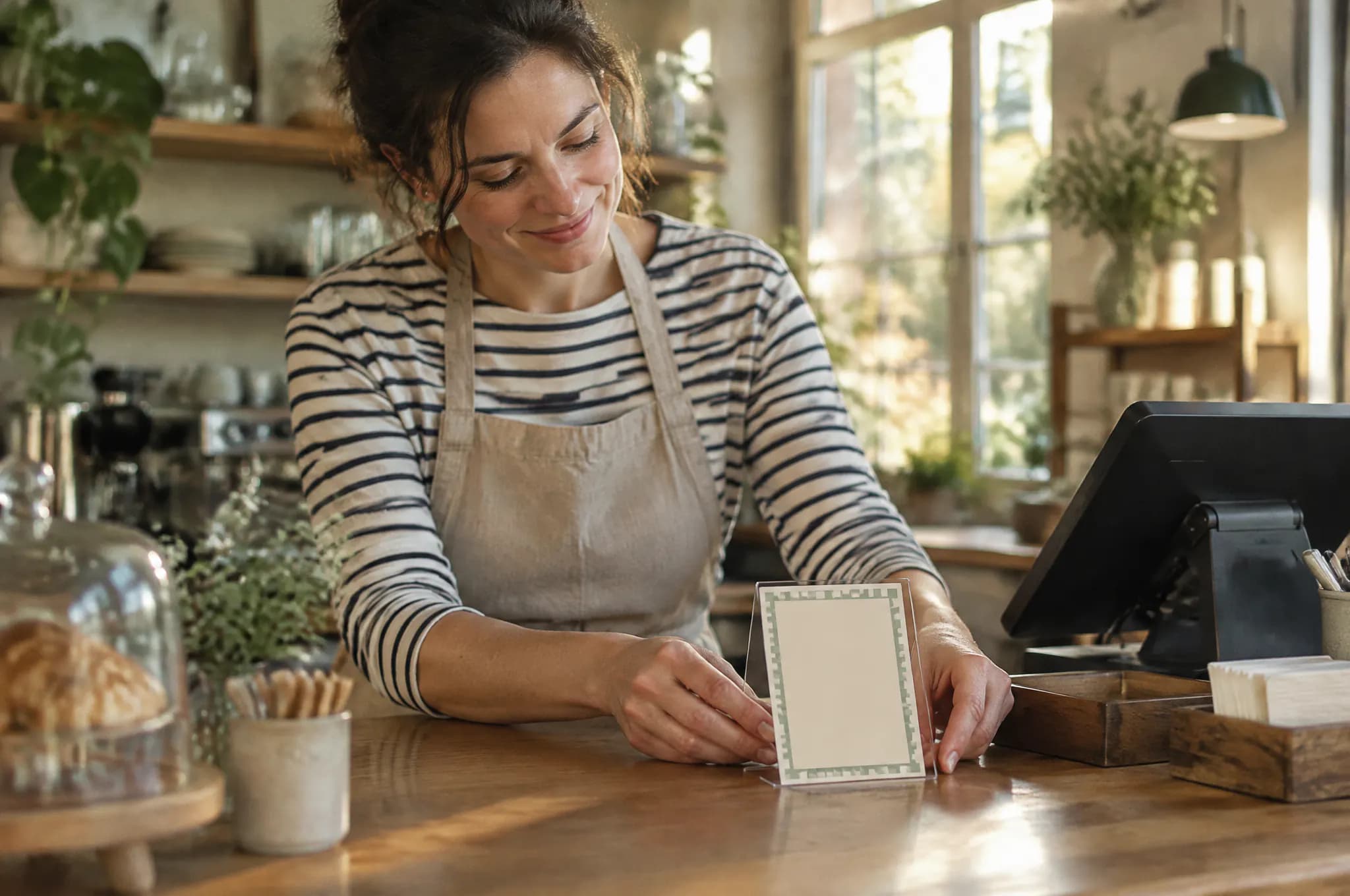
Each kind of business starts from rules that suit it, and you can change any of them.
1 stamp per coffee · Free coffee at 10 stamps
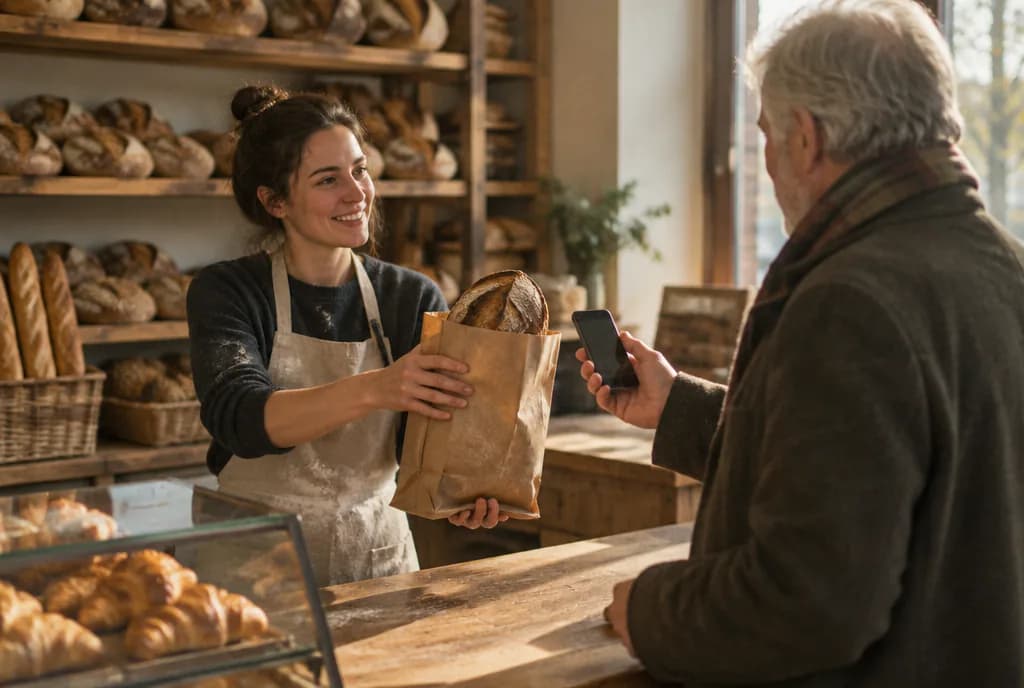
1 stamp per order · Free pastry at 8 stamps · Orders of 5 or more
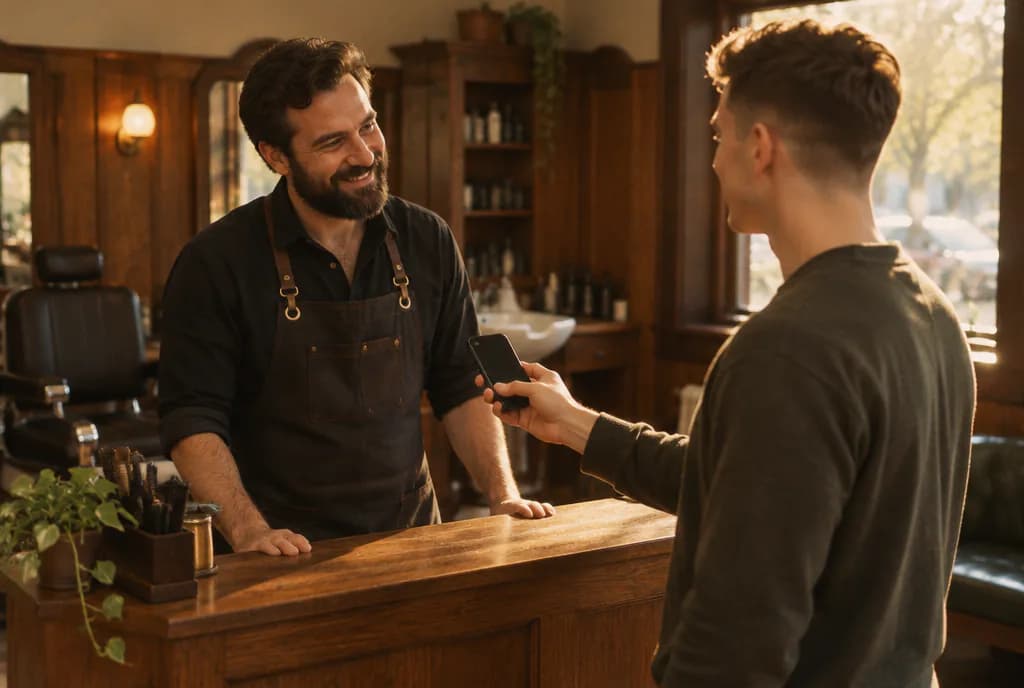
1 stamp per haircut · Free haircut at 6 stamps · Double on Tuesdays and Wednesdays

1 stamp for every 1 spent · Free hair treatment at 2,000 stamps

1 stamp for every 1 spent · Free dessert at 500 stamps · Double at weekday lunch

1 stamp per wash · Free wash at 5 stamps · 1 stamp a day at most

1 stamp per visit · Free class at 10 stamps

1 stamp per night · Free night at 10 stamps
They scan the QR sign on your counter, or type its code, and join with their email. Or your staff scan their code, and the first stamps make their card.
Any phone with a browser. The scanner is a page of your dashboard.
The team member who added them can undo their last action within a few minutes.
Yes. Your business has one card, and its stamps count at every venue. Each venue gets its own counter sign.
Not yet. Wallet passes are on the way. Without signal, the app already shows your customer’s code and cards as last seen.